How to Build Event Timelines in Google Sheets and Excel

Plan event promo in Google Sheets and Excel while an AI computer agent updates dates, channels, and budgets so your team stays ahead of every launch milestone.
Advanced computer use agent
Production-grade reliability
Transparent Execution

Why Sheets, Excel and AI

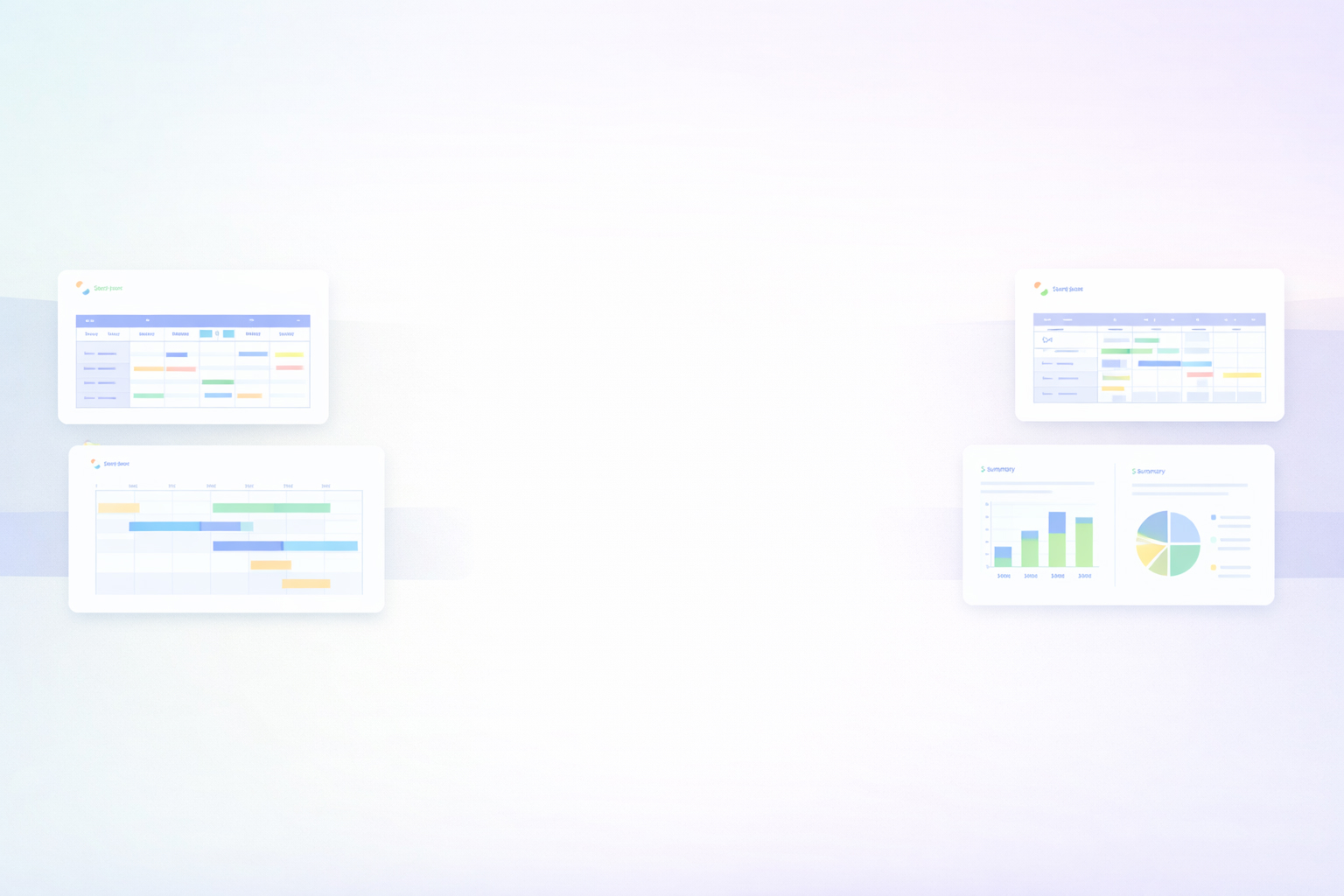
Every successful event secretly runs on a ruthless timeline. Sponsors confirmed by week 4, early-bird emails by week 6, paid campaigns flipped on by week 8. Without a clear event marketing timeline, those milestones blur together and your team lives in Slack chaos and last-minute fixes.A structured event marketing timeline template in Google Sheets or Excel becomes your single source of truth. You can map pre-launch research, email waves, social media sprints, and post-event follow-up in one place, color-code by channel, and see at a glance whether you are ahead or behind. Stakeholders understand what happens when, budgets line up with activity, and it is easier to repeat what works for the next event.Now add delegation and automation. An AI computer agent can live inside this process, opening your Google Sheets or Excel file, updating dates as tasks slip, logging real performance data into the right rows, and even drafting next week’s email and social tasks based on your timeline. Instead of babysitting spreadsheets, your team reviews and approves. The agent handles the clicking, typing, and copy-pasting; you focus on strategy, creative, and sponsors.

How to Build Event Timelines in Google Sheets and Excel

## 1. Traditional, hands-on ways to build the timeline1) Sketch the campaign phases- Open a blank sheet in Google Sheets or Excel.- In row 1, define phases: Pre-launch, Launch, Last-chance, Post-event.- In column A, list weeks (Week 1–12) or specific dates.- Under each phase, note your key milestones: website live, early-bird email, paid ads on, webinar reminders, post-event survey.In Google Sheets, see how to create and format sheets: https://support.google.com/docs/answer/6000292In Excel, start from a blank workbook: https://support.microsoft.com/en-us/office/create-a-new-workbook-4a6169e0-3f47-4f28-9e38-3f5318f3ed052) Turn tasks into a visual timeline- Add columns like Channel, Task, Owner, Start date, End date, Status.- Use filters so your sales or marketing lead can view only their channel.- Manually shade cells between start and end dates to mimic a Gantt chart.In Google Sheets, use conditional formatting for color bands: https://support.google.com/docs/answer/78413In Excel, use conditional formatting bars: https://support.microsoft.com/en-us/office/apply-conditional-formatting-12b94090-f589-47e3-b5f0-8b8a9912e1ab3) Align budgets with the timeline- Add Budget and Actual Spend columns.- For each task (e.g., LinkedIn ads, influencer post), enter expected cost.- At the top, create SUM formulas by phase to keep spend under control.Formulas in Sheets: https://support.google.com/docs/answer/3094284Formulas in Excel: https://support.microsoft.com/en-us/office/overview-of-formulas-in-excel-ecfdc708-9162-49e8-b993-c311f47ca1734) Run weekly review rituals- Every Monday, duplicate a tab called Snapshot–YYYY-MM-DD.- Update Status (Not started, In progress, Done) for every line.- Adjust dates by hand when tasks slip and re-balance workload across channels.This method works, but it eats hours of leader time and invites human error.## 2. No-code automation on top of Sheets and ExcelHere you keep Google Sheets or Excel as the source of truth but let no-code tools move data around.1) Automate reminders and status updates- In Google Sheets, connect to tools like Zapier or Make.- Trigger: a row where Status is “Not started” and Start date is tomorrow.- Action: send an email or Slack DM to the Owner with the task link and due date.- When Status changes to “Done”, trigger a log to your CRM or project tool.For Google Sheets connectors: https://workspace.google.com/marketplace/search/google%20sheetsIn Excel (especially with Microsoft 365):- Use Power Automate flows.- Trigger: an Excel row modified in OneDrive or SharePoint.- Action: send Teams messages, create Outlook tasks, or update another Excel file.Learn Excel with Power Automate: https://learn.microsoft.com/en-us/power-automate/connection-excel-online-business2) Sync registrations and key dates into the timeline- When a new registration hits your form or event platform, push it into a Registrations tab.- Auto-calculate capacity milestones (e.g., 50 percent full) and highlight the week where you need a “last-chance” campaign.- Conditional formatting can turn those cells red or green automatically.3) Generate reporting views without copy-paste- Use QUERY or FILTER in Google Sheets to build a Summary tab per channel.- In Excel, use PivotTables to summarize by Channel and Phase.- Refresh once and share read-only links or exports with stakeholders.PivotTables in Excel: https://support.microsoft.com/en-us/office/pivottable-overview-00a9c2b7-0eec-4d3a-ab11-6c259297e1feFILTER in Sheets: https://support.google.com/docs/answer/3093197No-code removes manual nudges, but you are still designing every rule and maintaining multiple tools.## 3. Scaling with AI agents working across your toolsNow imagine you keep your Google Sheets or Excel timeline template as the brain of your event, but an AI agent acts as the hands.1) Agent as your spreadsheet operator- You give the AI agent access to your desktop or browser.- It opens Google Sheets or Excel, navigates to the Event Timeline tab, and reads upcoming tasks.- It checks your inbox, CRM, or ad platforms to see real progress.- Based on what it finds, it updates Status, adjusts dates, and leaves human-readable notes in a Comments column.Pros: No more late-night spreadsheet updates; changes are grounded in real data. Cons: You must define clear guardrails on which sheets and ranges it can edit.2) Agent as campaign choreographer- The agent reads your timeline row by row.- For each email or social task marked Not started, it drafts the copy in your email tool or social scheduler, using the Event theme and audience segments.- It logs links to drafts back into a Draft URL column so humans only review and approve.Pros: Huge creative and operational time-savings; consistent messaging across channels. Cons: You still need humans to approve and monitor performance.3) Agent as continuous optimizer- After the event, the agent collects performance data (opens, clicks, registrations by source) into a Results tab.- It compares planned versus actual dates and outcomes.- It then duplicates the whole timeline into a new tab for the next event, pre-filled with better timing, budget, and channel recommendations.Pros: Each event makes the next one smarter; you codify institutional memory directly into the timeline. Cons: Requires thoughtful initial setup and occasional audits to keep the agent aligned with your brand and goals.With this stack, Google Sheets and Excel stop being static grids. They become living blueprints, continuously executed and improved by an AI agent while your sales and marketing teams focus on strategy, sponsorships, and creative.

Heading 1

Heading 2

Heading 3

Heading 4

Heading 5
Heading 6

Lorem ipsum dolor sit amet, consectetur adipiscing elit, sed do eiusmod tempor incididunt ut labore et dolore magna aliqua. Ut enim ad minim veniam, quis nostrud exercitation ullamco laboris nisi ut aliquip ex ea commodo consequat. Duis aute irure dolor in reprehenderit in voluptate velit esse cillum dolore eu fugiat nulla pariatur.

Block quote

Ordered list

  1. Item 1
  2. Item 2
  3. Item 3

Unordered list

  • Item A
  • Item B
  • Item C

Text link

Bold text

Emphasis

Superscript

Subscript

Scale Event Timelines with an AI Agent Playbook Now

Onboard the AI agent
Install Simular Pro on your Mac, then show the agent your Google Sheets and Excel timeline templates: which tabs matter, how tasks are structured, and where dates, owners, and channels live.
Test & refine agent
Run Simular AI agent on a copy of your timeline first. Let it update a few weeks of tasks, review every change, then refine prompts and allowed actions until the first full run is clean and reliable.
Scale delegated runs
Once Simular reliably maintains one event timeline, schedule agents to handle multiple events in parallel, updating Sheets and Excel, logging results, and triggering campaigns without extra human clicks.

FAQS