Oops! Something went wrong while submitting the form.
.svg)

.svg)
If you run a business, agency, or content team, you probably live on YouTube: sales calls to study, competitor breakdowns, client webinars, ads to swipe-file. Downloading the right videos (within YouTube’s rules and licenses) lets you watch offline, clip highlights, and reuse insights in decks or campaigns. But hunting links, picking formats, and filing videos is pure busywork.
An AI agent can sit in that loop for you: it reads your brief, grabs approved YouTube videos, applies your naming rules, files them by client or funnel stage, and reports back. You keep the strategy brainwork; the agent owns the clicks.
Let's walk through the main ways to download YouTube videos for work, from one-off saves to fully automated AI workflows.
Important: Always respect copyright and YouTube's terms. Focus on your own uploads, licensed content, or videos clearly allowed for download.
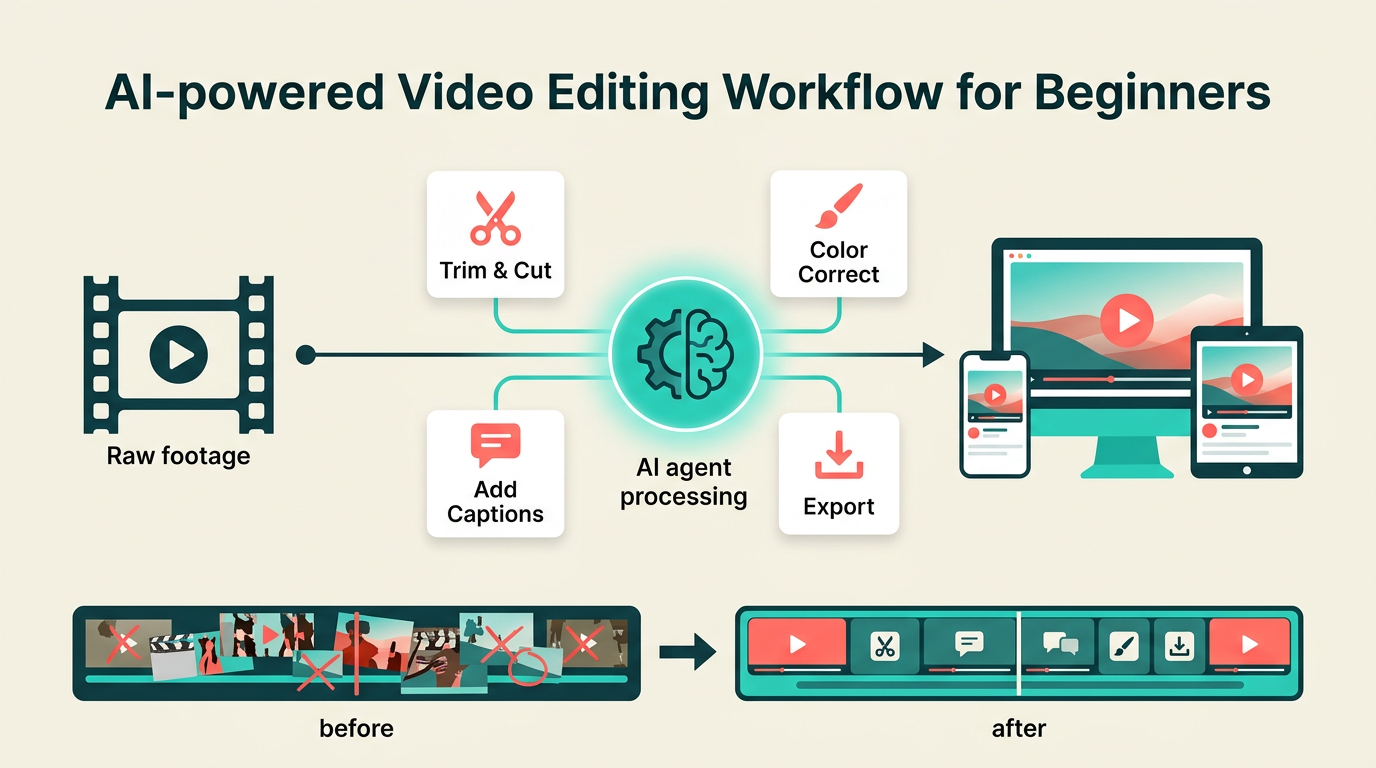
Options:
Many professionals paste a YouTube URL into a reputable online downloader to save a single tutorial or ad inspiration as MP4.
Dedicated video download apps or CLIs can queue multiple YouTube links, choose quality, and save to a chosen folder.
This is where the game changes for agencies and teams. Instead of a human doing the work:
When you only need one video, manual is fine.
But if your team touches YouTube every day, an AI agent turns a tedious chore into a background workflow that quietly keeps your content library organized and ready for action.
.png)
.svg)