Oops! Something went wrong while submitting the form.
Getting the names is the easy part. Sai searches a company's people, pulls the executives and partners, and marks which ones are already 1st or 2nd degree connections of yours, with the mutual contact who can make the intro.


The recording is a real session. The sheet on the right is what it produced.
Sai opens each profile, pulls the signal, and writes the row, live, in a real browser.
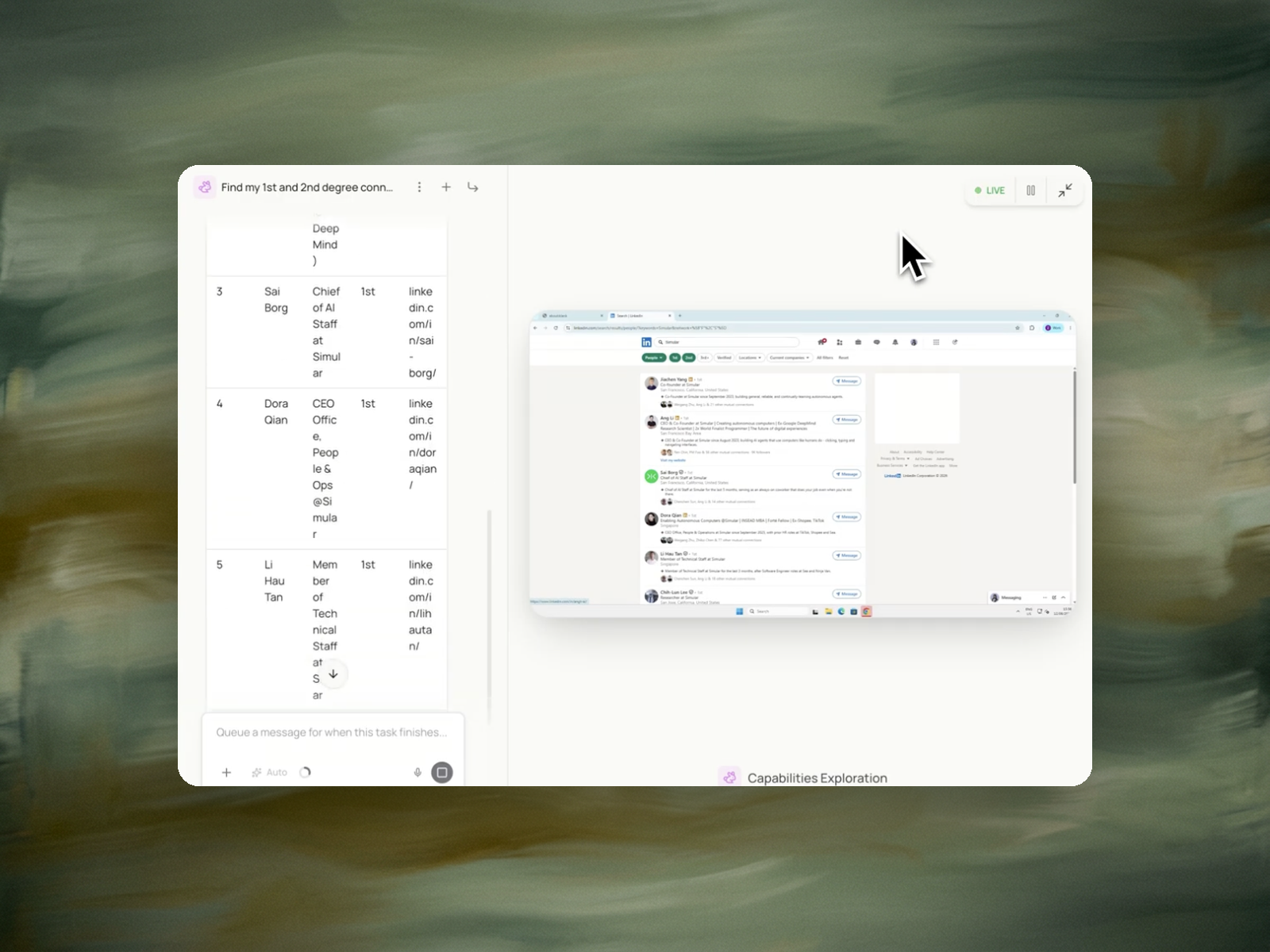
Eight columns, sorted by score, with a source link behind every claim.
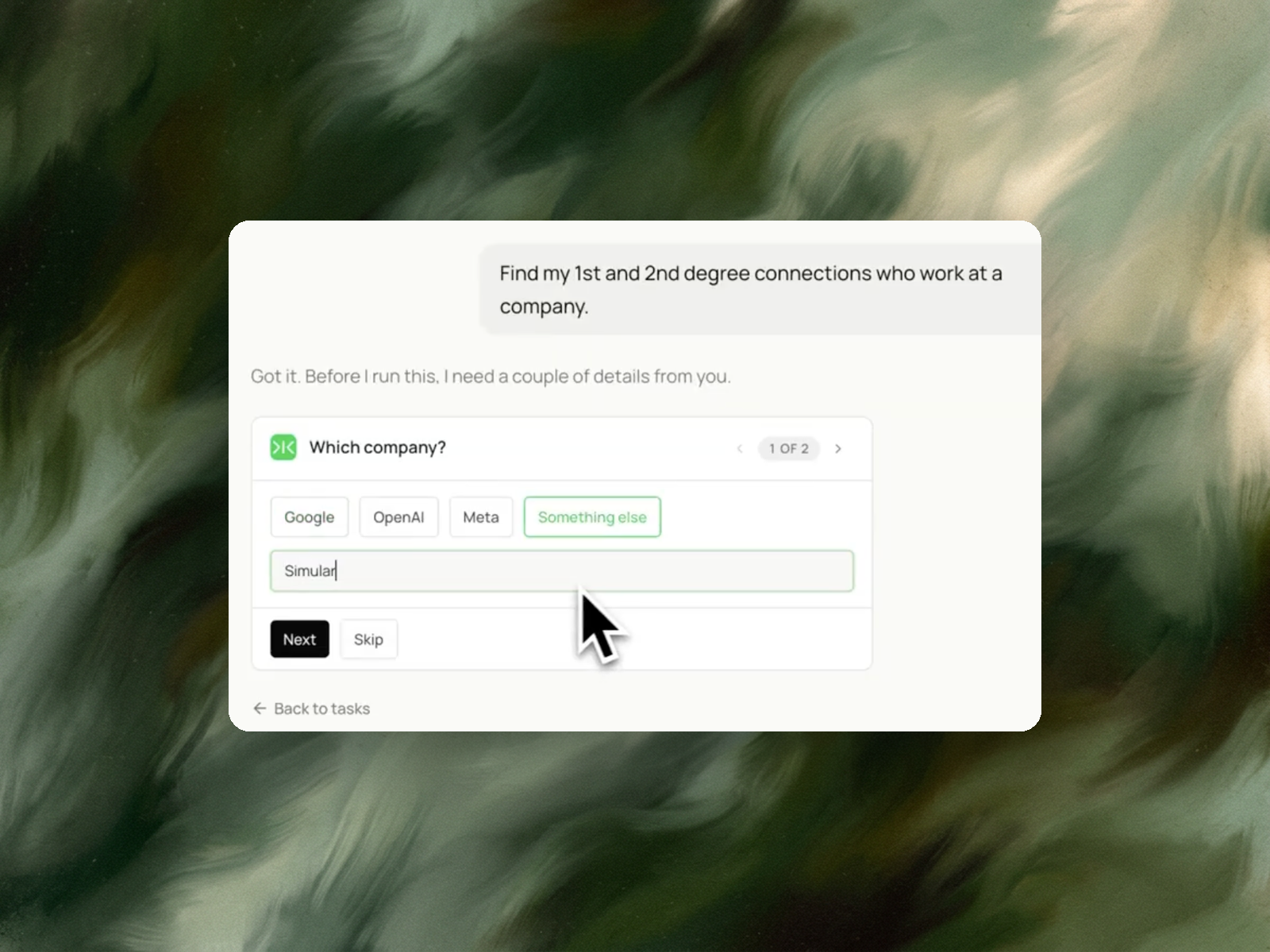
A LinkedIn account you're already signed into, and the name of the company you're targeting.
A table of executives and senior people at that company, each with their title, profile link, and connection degree — sorted so the people you can actually reach are at the top, with the mutual connection who can introduce you.
Around 5 minutes for a mid-sized company.
Re-run before each round of outreach, or monthly on your key accounts to catch new hires and departures.
Finding executives at a company on LinkedIn means identifying the people with decision-making authority at a target organisation — C-level officers, VPs, partners, heads of function — and establishing how each one can actually be contacted.
The second part is what makes it more than a search. LinkedIn structures contact around degrees of connection, and the degree determines the available action. LinkedIn's documentation defines these directly: a 1st-degree connection can be messaged on LinkedIn; a 2nd-degree contact can be sent an invitation to connect; a 3rd-degree contact may be reachable by invitation or by InMail depending on how their name is displayed. Members outside your network show limited profile fields and generally require InMail.
One path sits outside the degree system. LinkedIn states that where you share a group with someone, the contact info section of their profile may display the groups you are both part of, and you can message them directly through the group. A shared group therefore provides a messaging route regardless of degree.
A company's executive list is stable and public. Which of those people you can reach, and through whom, is specific to your account and changes as your network does.
A company page's People tab, ZoomInfo, Apollo and Clay all return the executive roster. Titles, tenure, sometimes an email. This part of the problem is well covered and the data is largely the same across vendors.
What none of them return by default is the relationship between that roster and your own network. The roster is identical for every user who looks it up. The reachability of that roster is different for every user.
An outreach plan built on the roster alone treats a VP whom your co-founder has known for five years the same as a VP with no connection to anyone you know. Those are not the same contact, and the appropriate first message differs entirely — one is a request for an introduction, the other is a cold approach.
Enterprise and ABM sellers working a named account list. The account is fixed; the question is which of the six relevant executives has a route in, and which colleague holds it.
Founders pursuing partnerships or fundraising. A warm introduction to a partner or a corp-dev lead materially changes response rates against a cold approach to the same person.
Candidates targeting a specific employer. Reaching a hiring manager through a mutual connection is a different conversation than applying through the portal.
Sai signs in as you, searches the company for people with decision-making authority, and returns a table of name, title, connection degree, profile URL, and — for 2nd-degree contacts — which mutual connection you share.
The table is sorted by reachability rather than by seniority. The most senior executive is not the first row if there is no route to them; the person a colleague can introduce you to is.
The mutual connection column is the part that is specific to your account. It names who to ask.
A list sorted by seniority puts the CEO first. For most target accounts the CEO is the least reachable person on the list and the least likely to respond to a cold approach.
Sorting by reachability puts the route first. A director who is a 1st-degree connection, or a VP whose mutual connection is a colleague, is where an account entry realistically starts — and an introduction from inside frequently reaches the senior stakeholder faster than approaching them directly.
Seniority remains visible in the title column. It stops being the ordering principle.
The exported network from LinkedIn connections export shows which companies your network already covers, before a target account is chosen.
Once a contact is selected, pre-call research checks your own inbox for prior contact with the account before the first conversation.