Oops! Something went wrong while submitting the form.
How to Find YouTube Influencers Automatically: A Step-by-Step Guide
Brands waste 20+ hours per campaign manually searching for YouTube influencers. This step-by-step guide shows how to find, vet, and contact YouTube creators using AI — from free tools to full automation.
Why Is Finding the Right YouTube Influencer Still So Difficult?
Cross-Platform Research
Sai searches YouTube, Social Blade, and Google simultaneously — pulling subscriber counts, engagement rates, upload frequency, and audience demographics into a single enriched profile in under two minutes per creator.
Authenticity Vetting
Sai analyzes comment sections for bot patterns, checks subscriber-to-view ratios, and flags channels with suspicious growth spikes — catching fake influencers before you spend a dollar.
Automated Outreach Pipeline
Once you approve a shortlist, Sai finds contact emails from channel About pages or linked social profiles, drafts personalized collaboration pitches referencing the creator's recent videos, and queues everything for your review before sending.
Why Is Finding the Right YouTube Influencer Still So Difficult?
The influencer marketing industry is booming, but finding the right YouTube creator for your specific brand remains a time-consuming, error-prone process. The problem is not a lack of influencers — it is a lack of reliable ways to evaluate them.
The database problem is deceptive. Platforms like Modash claim to index 250 million influencer profiles, and ChannelCrawlerlists over 30 million YouTube channels. But more data does not mean better matches. Searching a database of millions without deep filtering returns hundreds of irrelevant results, and most free tiers limit you to surface-level metrics like subscriber count.
Engagement fraud is widespread. A study by the Association of National Advertisers found that fraud drains $120 billion from the digital advertising industry annually (ANA, 2023). YouTube is not immune. Fake subscribers, purchased views, and bot-generated comments inflate metrics on channels that deliver zero real influence. Most discovery tools do not flag these patterns.
The cost of getting it wrong is high.Global influencer marketing spending hit $24 billion in 2024 (Statista, 2025), yet brands consistently report difficulty measuring ROI. The root cause is poor influencer selection — choosing creators based on follower count alone rather than audience fit, engagement quality, and content alignment.
Over 50% of US marketers plan to use YouTube for influencer campaigns — Sprout Social, 2025
Fraud drains $120 billion annually from digital advertising — ANA Programmatic Transparency Study, 2023
Most influencer databases index millions of profiles but lack depth on audience authenticity and engagement quality
What Does It Actually Take to Find YouTube Influencers?
Finding YouTube influencers is not a single step — it is a multi-stage workflow that most guides oversimplify. A complete influencer discovery process includes six stages:
Define your criteria. Establish your niche, target audience demographics, budget range, and campaign goals before searching. A fitness brand targeting 25-34-year-old women in the US needs a fundamentally different creator than a B2B SaaS company targeting CTOs.
Search and discover channels. Use YouTube's native search, influencer databases, or AI-powered tools to build an initial list of potential creators.
Analyze engagement quality. Go beyond subscriber counts. Examine views-per-video, comment sentiment, like-to-view ratios, and upload consistency. A channel with 50,000 subscribers and 10,000 average views is far more valuable than one with 500,000 subscribers and 2,000 average views.
Vet for authenticity. Check for fake followers, purchased engagement, and bot comments. Look at subscriber growth patterns — organic growth is gradual, not spiky.
Find contact information. Locate business email addresses from channel About pages, linked Instagram or Twitter profiles, or creator marketplaces.
Send personalized outreach. Draft collaboration proposals that reference the creator's recent content, explain the brand fit, and offer clear terms.
Most influencer marketing platforms handle one or two of these stages. Dedicated databases like HypeAuditor or Modash cover search and basic analytics. Marketplaces like Collabstr handle discovery and outreach but limit you to creators who have opted in. None of them connect all six stages into one automated workflow — which is exactly where AI agents offer a fundamentally different approach.
How to Find YouTube Influencers with AI (Step-by-Step)
Here is the complete workflow — from defining your criteria to sending your first outreach message. Each step explains what Sai does, why it matters, and how it compares to the manual approach.
Step 1: Define Your Influencer Criteria
Before opening any tool, write down exactly what you need. Vague searches produce vague results. Sai uses a structured criteria prompt to filter its search, but these questions apply regardless of your method:
Niche and content category. "Tech reviews" is too broad. "Budget smartphone reviews for consumers in Southeast Asia" is actionable.
Subscriber range. Micro-influencers (10K-100K subscribers) typically deliver higher engagement rates than macro-influencers (100K-1M) because their audiences are more invested. Decide your tier based on budget and campaign goals.
Upload frequency. A channel that posts weekly is more reliable for a sponsored video timeline than one that posts sporadically.
Audience geography. If you sell in the US, a creator with 80% of their audience in India will not convert.
Budget per collaboration. Influencer pricing varies wildly — from $500 for a micro-influencer mention to $50,000+ for a dedicated video from a major creator.
When you give Sai these criteria, it translates them into search parameters and filters across multiple platforms simultaneously. Without an AI agent, you would enter these filters manually into each discovery tool — one at a time.
Step 2: Search YouTube and Influencer Databases
With criteria defined, the actual search begins. There are three main approaches, and each has trade-offs:
Manual YouTube search. Open YouTube, type your niche keyword, and browse channels. Free and straightforward, but brutally slow once you need more than 10 results. You cannot filter by subscriber count, engagement rate, or audience demographics directly on YouTube.
Influencer database platforms. Tools like HypeAuditor, Modash, Upfluence, and Heepsy let you filter by niche, subscriber count, location, and engagement rate. The downside: most require paid plans ($200-$500/month) for meaningful access, and free tiers limit results to a handful of profiles.
AI agent approach.Sai opens YouTube in a browser, enters your niche keywords, scrolls through search results and channel pages, extracts subscriber counts and recent video metrics, then cross-references each channel against Social Blade for growth trends. It builds your initial list in a Google Sheet with columns for channel name, URL, subscriber count, average views, upload frequency, and estimated engagement rate — all without a single manual click.
The key difference: database platforms show you what is already indexed. An AI agent searches the live web, catching channels that database platforms have not yet crawled or that fall outside their indexing criteria.
Step 3: Analyze Engagement Quality
Subscriber count is the most misleading metric in influencer marketing. A channel with 200,000 subscribers and 3,000 average views is performing far worse than one with 40,000 subscribers and 15,000 average views.
Sai calculates four key metrics for every channel on your shortlist:
View-to-subscriber ratio. Healthy channels typically see 5-15% of their subscribers watching each video. Anything below 2% suggests either inactive subscribers or purchased followers.
Comment quality. Sai reads the first 20-30 comments on recent videos and flags generic bot patterns ("Nice video!", "Great content!", single-emoji comments from accounts with no profile photo). A high like count with zero substantive comments is a red flag.
Upload consistency. How many videos did the channel post in the last 90 days? Consistent uploaders maintain audience attention. Sporadic posting often means the creator is losing interest or pivoting to another platform.
Engagement trend. Are views increasing, stable, or declining over the last six months? Sai pulls this data from Social Blade and highlights channels with upward momentum.
This analysis is where the manual process breaks down completely. Checking engagement quality for 50 channels takes an experienced marketer two to three full working days. Sai completes the same analysis in under an hour.
Step 4: Vet for Authenticity and Brand Safety
Fake followers and purchased engagement are not just a wasted budget — they can damage your brand's credibility. Sai runs an authenticity check that covers three areas:
Subscriber growth analysis. Organic channels grow gradually, with occasional spikes around viral videos. A channel that gains 50,000 subscribers overnight with no corresponding video performance spike is likely buying followers. Sai flags these growth anomalies automatically.
Comment sentiment analysis. Beyond spotting bot comments, Sai evaluates whether comments show genuine audience engagement — questions about the product, personal stories, disagreements, inside jokes. A channel where every comment says "Amazing!" but nobody asks a follow-up question is performing for algorithms, not humans.
Content brand safety. Sai scans the creator's recent 10-15 videos for controversial topics, competitor mentions, or content that conflicts with your brand guidelines. This is not a keyword filter — Sai reads video titles, descriptions, and pinned comments to assess overall tone and positioning.
If you are running AI-powered market research, the same vetting workflow applies. The difference is that Sai does not need you to define what "safe" means from scratch — it uses the brand guidelines you provide and flags anything outside those boundaries.
Step 5: Find Contact Information
You have a vetted shortlist. Now you need to reach out. This is where most marketers hit a wall — finding the actual business email for a YouTube creator is surprisingly difficult.
Sai checks multiple sources in sequence:
YouTube channel About page. Most creators list a business inquiry email here, but many hide it behind a "View email address" button that requires a Google login.
Linked social profiles. Many creators link their Instagram, Twitter, or personal website from their YouTube channel. Sai follows these links and searches for contact information on each platform.
Creator marketplaces. If the influencer is listed on Collabstr or similar platforms, Sai captures their marketplace profile URL as an alternative contact method.
Website contact pages. If the creator has a personal website, Sai checks for a business inquiries page or contact form.
For each channel on your shortlist, Sai adds the verified contact method to your Google Sheet. If no email is found, it notes the best available alternative (Instagram DM, marketplace profile, or website form).
Step 6: Draft Personalized Outreach Messages
Generic outreach gets ignored. "Hi, I love your channel, let's collaborate" is immediately identifiable as a template, and most creators delete these on sight.
Sai drafts each outreach message based on the creator's actual content. Here is what a generic pitch looks like compared to what Sai produces:
Generic template (what most brands send):
"Hi [Name], I'm reaching out from [Brand]. We love your content and think you'd be a great fit for a collaboration. Let me know if you're interested in discussing rates."
Sai-generated personalized pitch:
"Hi [Name], I watched your recent video comparing the Pixel 9 and Galaxy S26 — your point about thermal throttling under sustained camera use was the most detailed breakdown I have seen this quarter. We are launching a cooling accessory for smartphones and think your audience — particularly the viewers who asked about gaming performance in the comments — would find it genuinely useful. Would a 60-second hands-on demo in your next phone review format be something you would consider? Our budget for this type of integration is $X-$Y."
The difference is not just personalization — it is specificity. The second message demonstrates that someone actually watched the creator's content, understood their audience, and proposed a format that fits their existing style. This approach consistently outperforms generic templates because creators can tell the difference instantly.
Sai drafts these messages and queues them in your Google Sheet with a status column. You review each one, edit as needed, and approve before Sai sends via your email outreach workflow.
Step 7: Set Up a Recurring Discovery Workflow
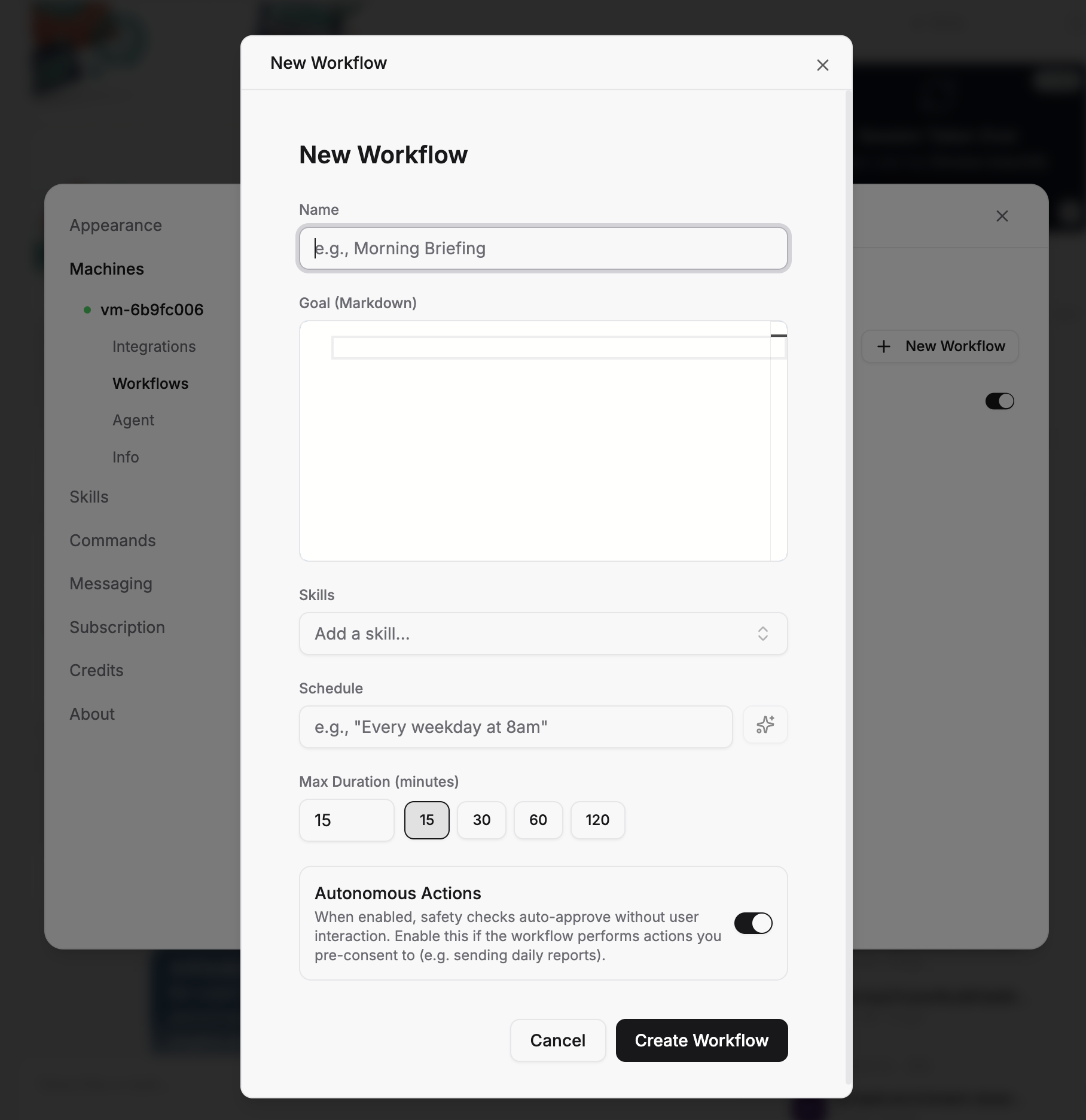
Influencer discovery is not a one-time project. New creators emerge constantly, existing partnerships expire, and your product line evolves. Sai can run your entire influencer search on a weekly schedule — scanning YouTube for new channels in your niche, adding them to your pipeline spreadsheet, and flagging high-potential creators for review.
You define the criteria once. Sai runs the search every Monday morning, appends new finds to your Google Sheet, and sends you a summary notification. No monthly SaaS subscription required. No manual searches. Just a consistently updated pipeline of potential partners.
Choosing the right approach to find YouTube influencers depends on your budget, team size, and how many campaigns you run per quarter. Here is how the major options compare:
Tool
Type
YouTube Database Size
Free Tier
Paid Pricing
Engagement Analysis
Fake Follower Detection
Contact Lookup
Outreach Automation
ChannelCrawler
YouTube-only database
30M+ channels
Yes (limited filters)
Free
❌
❌
❌
❌
HypeAuditor
Multi-platform database
173M+ profiles (all platforms)
Limited (3 searches/day)
From $299/mo
✅
✅
✅ (paid)
❌
Modash
Multi-platform database
250M+ profiles (all platforms)
14-day free trial
From $199/mo
✅
✅
✅ (paid)
❌
Upfluence
Enterprise platform
Not disclosed
Free Chrome extension
Custom pricing
✅
✅
✅
✅
Collabstr
Creator marketplace
Opt-in creators only
Yes (browse free)
From $299/mo
⚠️ Partial
❌
✅ (via platform)
✅ (via platform)
Heepsy
Multi-platform database
11M+ profiles (all platforms)
Limited free searches
From $49/mo
✅
✅
✅ (paid)
❌
Sai by Simular
AI agent (browser-based)
Searches live web (unlimited)
7-day free trial
From $20/mo
✅
✅
✅
✅
Stop doing repetitive tasks. Let Sai handle them for you.
Sai is your AI computer use agent — it operates your apps, automates your workflows, and gets work done while you focus on what matters.

.svg)

.svg)