
Oops! Something went wrong while submitting the form.
On a Tuesday night at 11:47 p.m., a founder I work with finally shut her laptop. Her CRM was half-updated, campaign reports were scattered across tabs, and the "quick" follow‑ups she’d promised clients were still sitting in drafts. She wasn’t short on motivation — she was drowning in clicks.
If you run a business, agency, or revenue team, you probably know that feeling. You’ve tried project boards, color‑coded calendars, even the latest best ai task manager app. They help you see the work, sometimes even schedule it smarter. But the tasks still wait for you to show up and push them over the line.
That’s where modern AI task managers come in. Tools like Motion’s AI scheduler (https://www.usemotion.com/blog/ai-task-manager), Morgen’s frame‑based planner (https://www.morgen.so/blog-posts/best-ai-task-management-tools), and the execution‑focused platforms reviewed by Kuse (https://www.kuse.ai/blog/workflows-productivity/i-tested-the-14-best-ai-task-managers-of-2026) go beyond static to‑do lists. They analyze your workload, auto‑prioritize tasks, and build realistic calendars around meetings and deadlines. The upside: less cognitive load and better focus. The downside: most of them still operate inside the browser, orchestrating when you work — not actually logging into tools, updating spreadsheets, or moving files for you. That gap is exactly why many teams start looking for deeper, agentic alternatives.
To separate hype from genuinely useful tools, we evaluated the best ai task manager platforms and their top alternatives using real agency and GTM workflows — not demo data.
We focused on how well each option helps you delegate work, not just organize it. Our testing process included:
For each platform we ran concrete scenarios — e.g., "research 50 leads and enrich them in the CRM," "compile a weekly performance report," or "clean and re‑organize project files" — and noted where agents succeeded, failed, or needed heavy human babysitting.
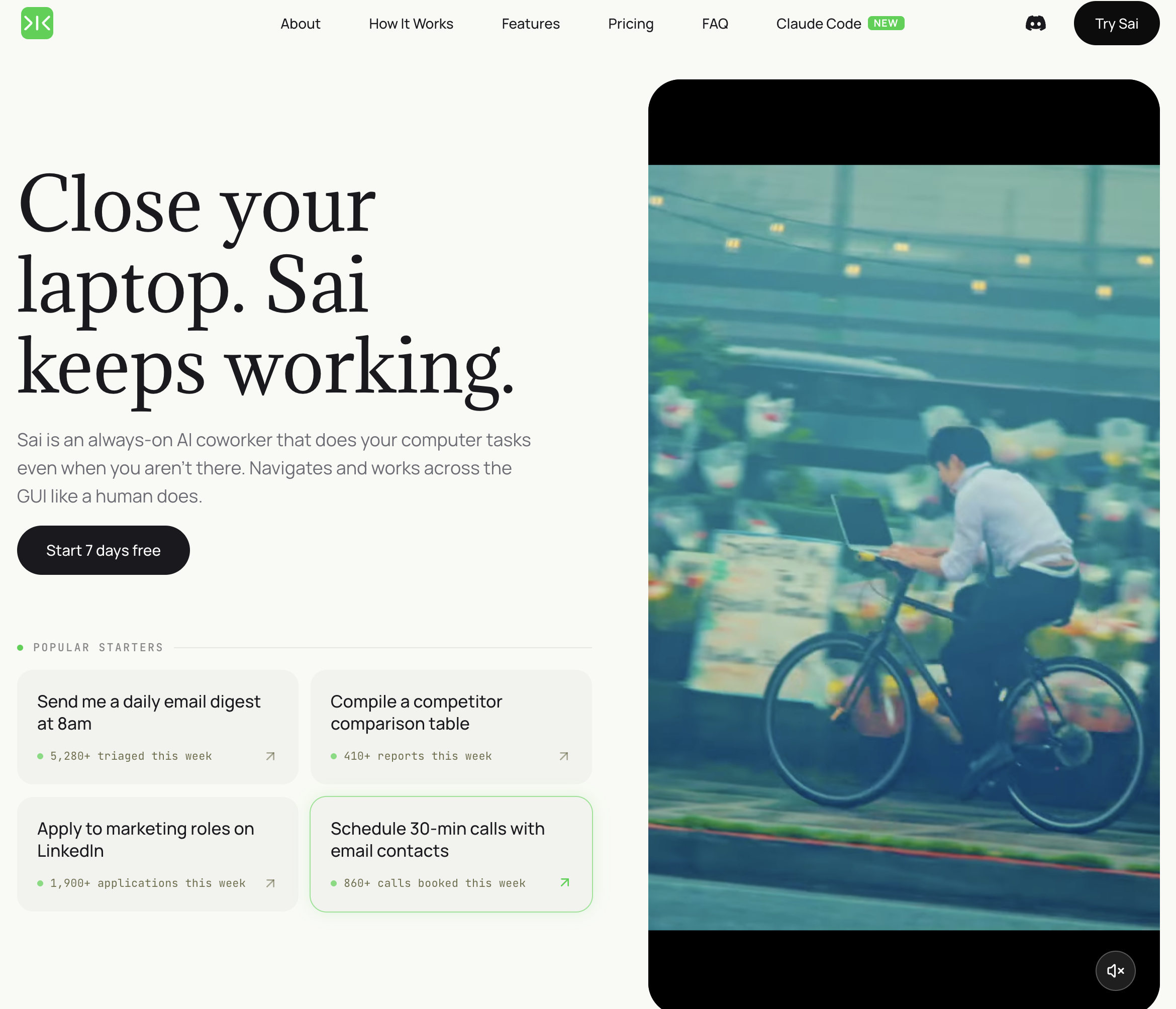
Pricing: Free tier available; Pro from $20/month Platform: Desktop AI agent (Windows/Mac) Best for: Knowledge workers who want repetitive tasks done, not just organized
Sai is the only tool on this list that crosses the line from task management to task execution. While Motion schedules your tasks and Sunsama helps you plan them, Sai performs them — navigating between your browser, desktop apps, email, and calendar to complete multi-step workflows autonomously.
What Sai does that other task managers cannot:
Limitations: Requires your computer to be running during task execution. Not designed for team-wide project management with Gantt charts or sprint planning — use it alongside a team PM tool for that. Workflow speed depends on application load times (clicking through a slow web app is slower than an API call).
Who should pick Sai: Individual contributors and small teams who spend more time on repetitive admin tasks (data entry, email follow-ups, report generation, cross-app updates) than on strategic work. If your to-do list is full of tasks a smart assistant could handle, Sai handles them.

Pricing: Free browser profiles available; Cloud Phone trial available
Platform: Windows, macOS, Linux
Best for: Agencies and teams managing multiple accounts, browser profiles, proxies, and Android cloud devices
MoreLogin takes a different approach from traditional AI task managers. Instead of focusing mainly on calendars and to-do lists, it combines isolated browser profiles, Cloud Phones, automation, AI Agent capabilities, proxy management, APIs, and team collaboration in one workspace.
For agencies and operational teams, this matters when the real bottleneck is not deciding when to complete a task, but repeating the same browser or mobile workflow across multiple accounts.
Key strengths:
Limitations: MoreLogin is not a traditional calendar-based task manager. It is better suited to teams that need to automate or manage browser and mobile workflows than users who mainly want daily scheduling, reminders, or personal task planning.
Who should pick MoreLogin: Agencies, affiliate teams, marketers, e-commerce operators, social media teams, and other businesses that spend significant time managing repetitive browser or mobile workflows across multiple accounts.
Suggested image placement: Screenshot of the MoreLogin dashboard showing browser profiles, Cloud Phones, or AI Agent functionality.
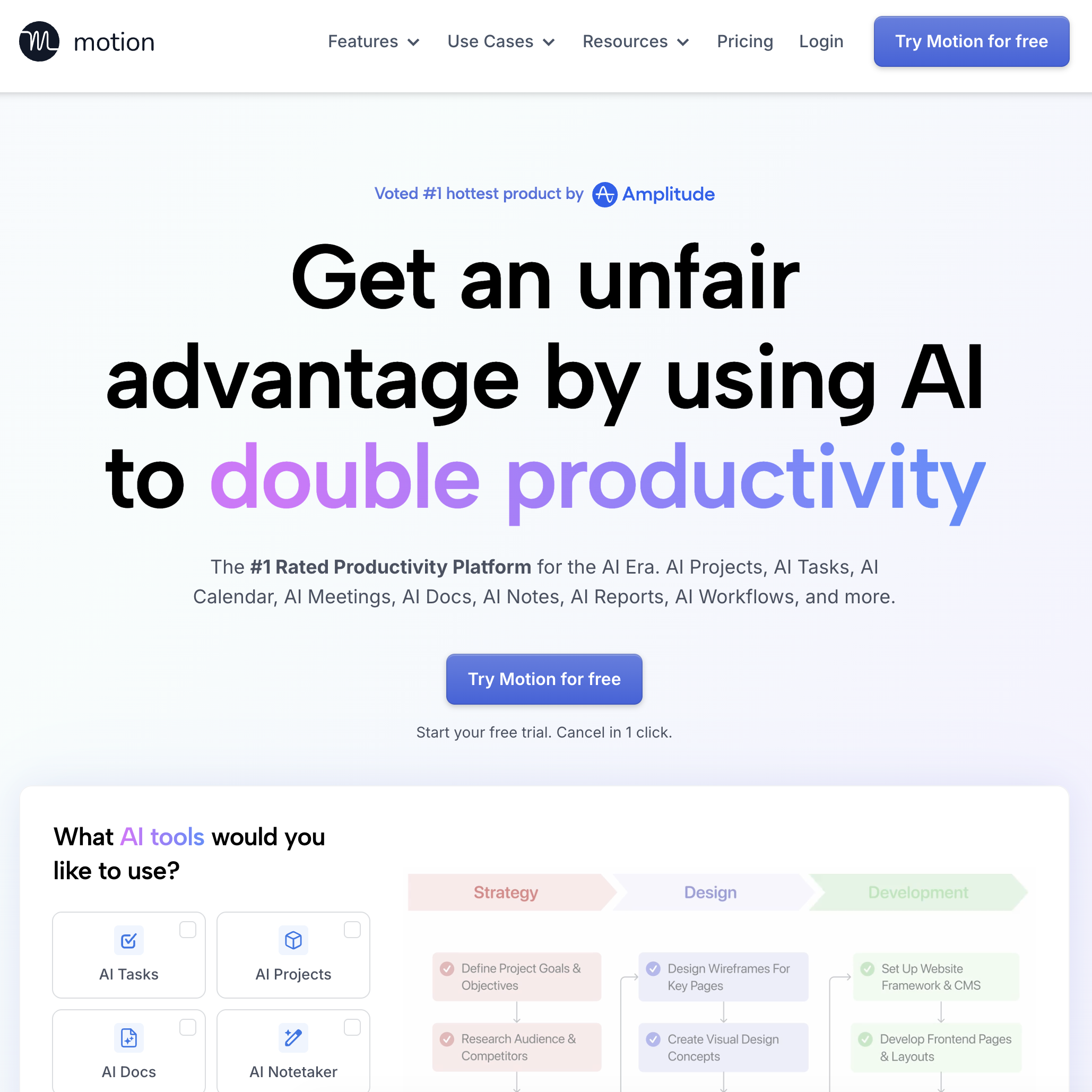
Pricing: From $34/month (Individual); $12/user/month (Team) Platform: Web, iOS, Android Best for: Professionals who want every task auto-scheduled into their calendar
Motion reports that its users save an average of 2 hours per day by eliminating manual scheduling decisions. The core promise: add a task with a deadline and estimated duration, and Motion's AI finds the optimal time slot — then reschedules everything automatically when priorities shift.
Key strengths:
Limitations: Expensive at $34/month for individuals. Calendar-centric approach struggles with tasks that have no clear time estimate ("research competitor pricing" — how long is that?). No project management features (no boards, sprints, or resource views). Limited integrations outside the Google and Zoom ecosystem.
Who should pick Motion: Professionals whose biggest productivity problem is deciding when to work on each task. If you have a reliable task list but waste 30+ minutes daily on scheduling and time-blocking, Motion solves that specific problem better than anyone. For more calendar automation options, see our comparison of the best AI scheduling assistants.
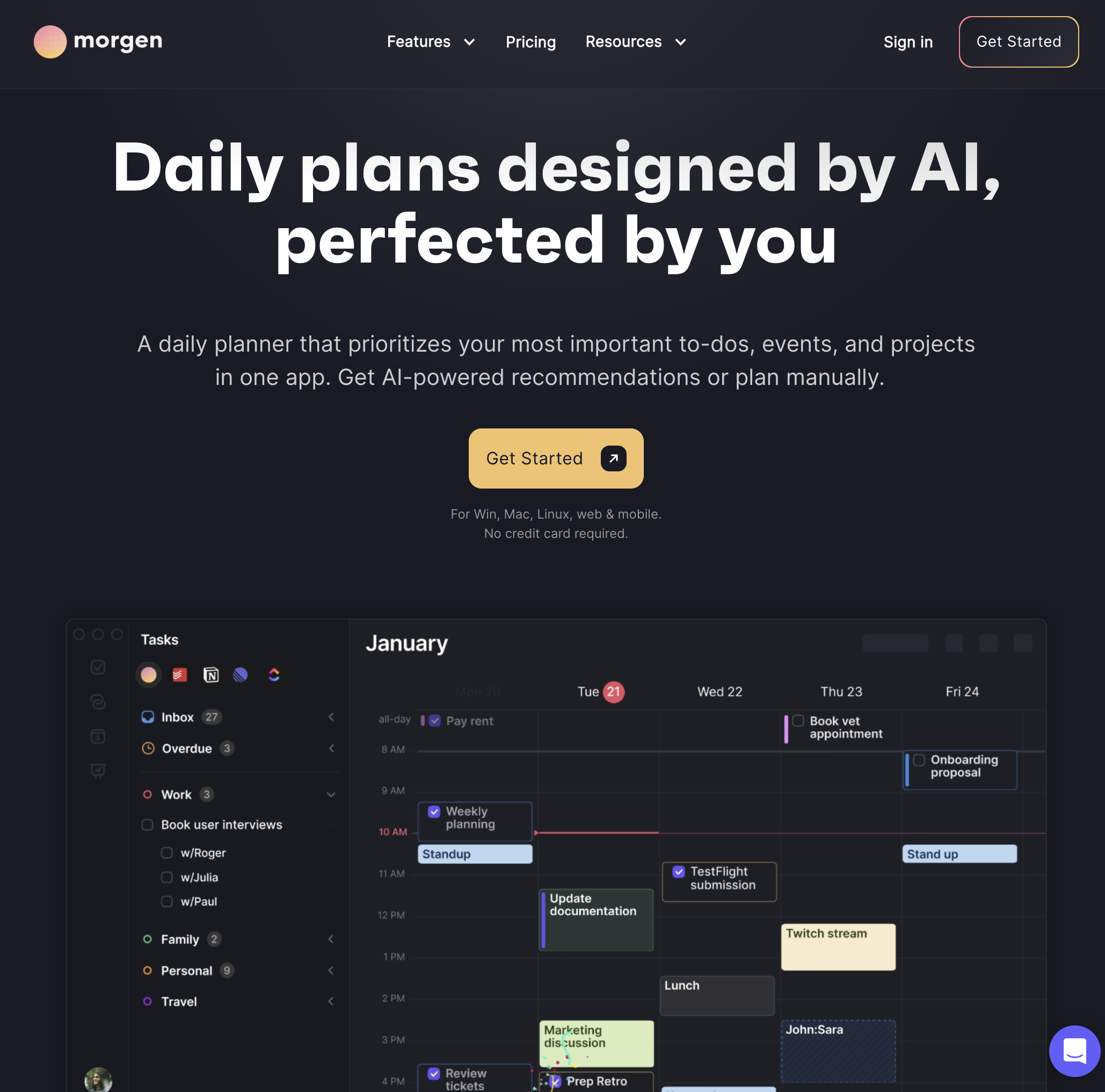
Pricing: Free tier; Pro from $14.99/month Platform: Desktop (Mac/Windows), Web, iOS, Android Best for: Consultants, freelancers, and knowledge workers juggling multiple calendars
Morgen takes a human-in-the-loop approach to AI task management. Instead of auto-scheduling everything like Motion, Morgen's AI suggests a daily plan that you review and approve before it touches your calendar. Its "Frames" feature lets you define your ideal week structure, and the AI fills tasks into those frames.
Key strengths:
Limitations: The approve-first model means more manual interaction than Motion — you are reviewing AI suggestions rather than having them auto-applied. Smaller integration ecosystem compared to Motion or Sunsama. Team features are limited; Morgen is primarily a personal productivity tool. AI suggestions can feel basic compared to Motion's scheduling engine.
Who should pick Morgen: Professionals who want AI scheduling assistance but do not trust fully autonomous rescheduling. If you need to see and approve changes before they happen — especially across multiple calendars — Morgen's deliberate approach prevents the anxiety of AI moving your commitments without asking.
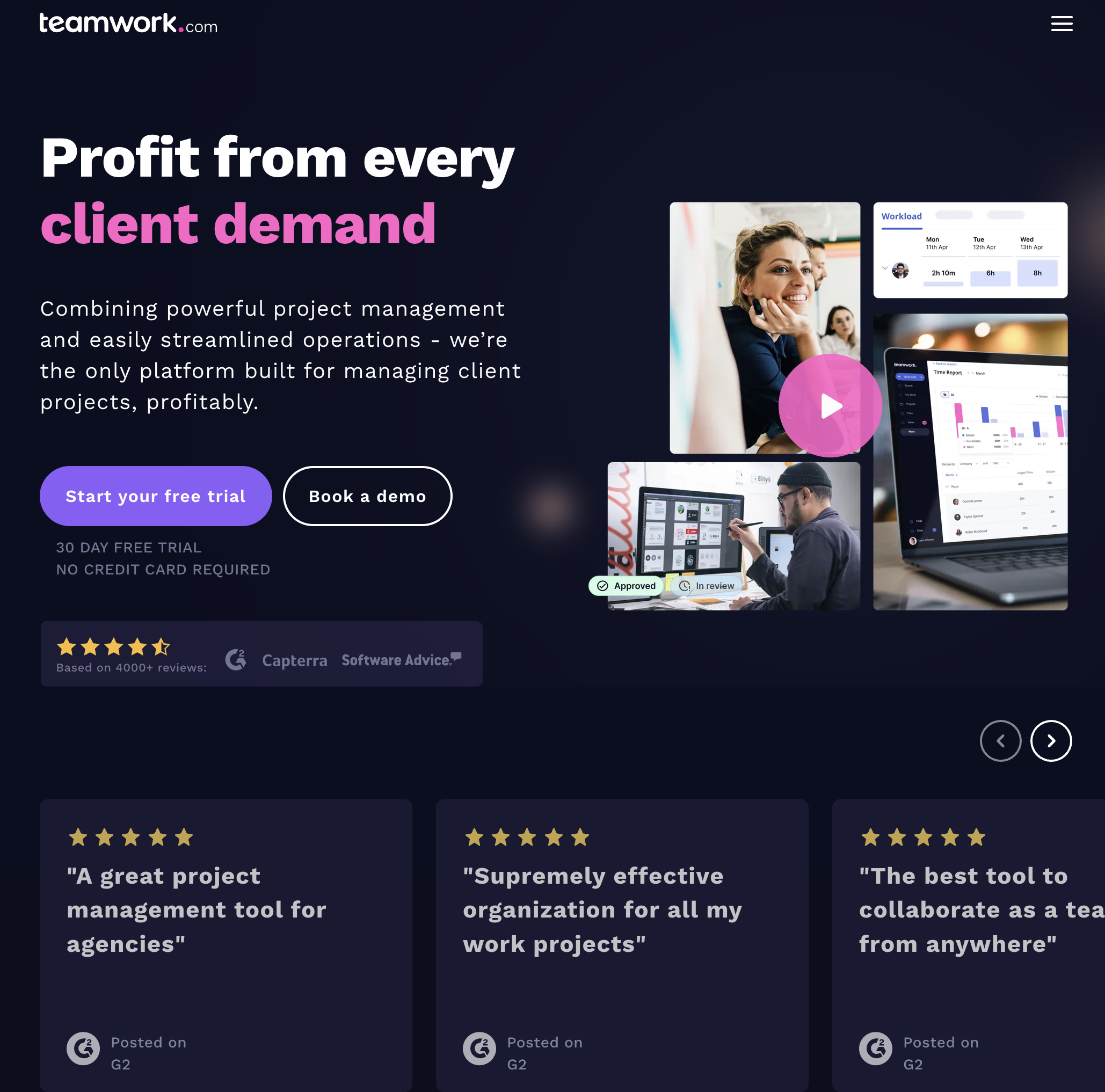
Pricing: Free tier (5 users); Deliver from $13.99/user/month Platform: Web, iOS, Android Best for: Agencies and service teams managing multiple client projects simultaneously
Teamwork.com is a project management platform built specifically for client-facing work. Its AI features (Teamwork AI) assist with task planning, status summaries, and workload insights — embedded directly into the PM workflows that agencies already use for time tracking, client billing, and resource allocation.
Key strengths:
Limitations: Teamwork is a full PM platform, not a personal task manager — overkill for individuals or teams that do not manage client projects. AI features are useful but limited to planning and summarization; no calendar auto-scheduling or task execution. Learning curve for teams switching from simpler tools like Todoist or Sunsama. Pricing scales quickly with larger teams.
Who should pick Teamwork.com: Agencies, consultancies, and professional service teams managing multiple client projects who need time tracking, budgeting, and AI-assisted planning in one platform. If your challenge is not personal productivity but coordinating a team across 10+ client accounts, Teamwork is built for exactly that workflow.
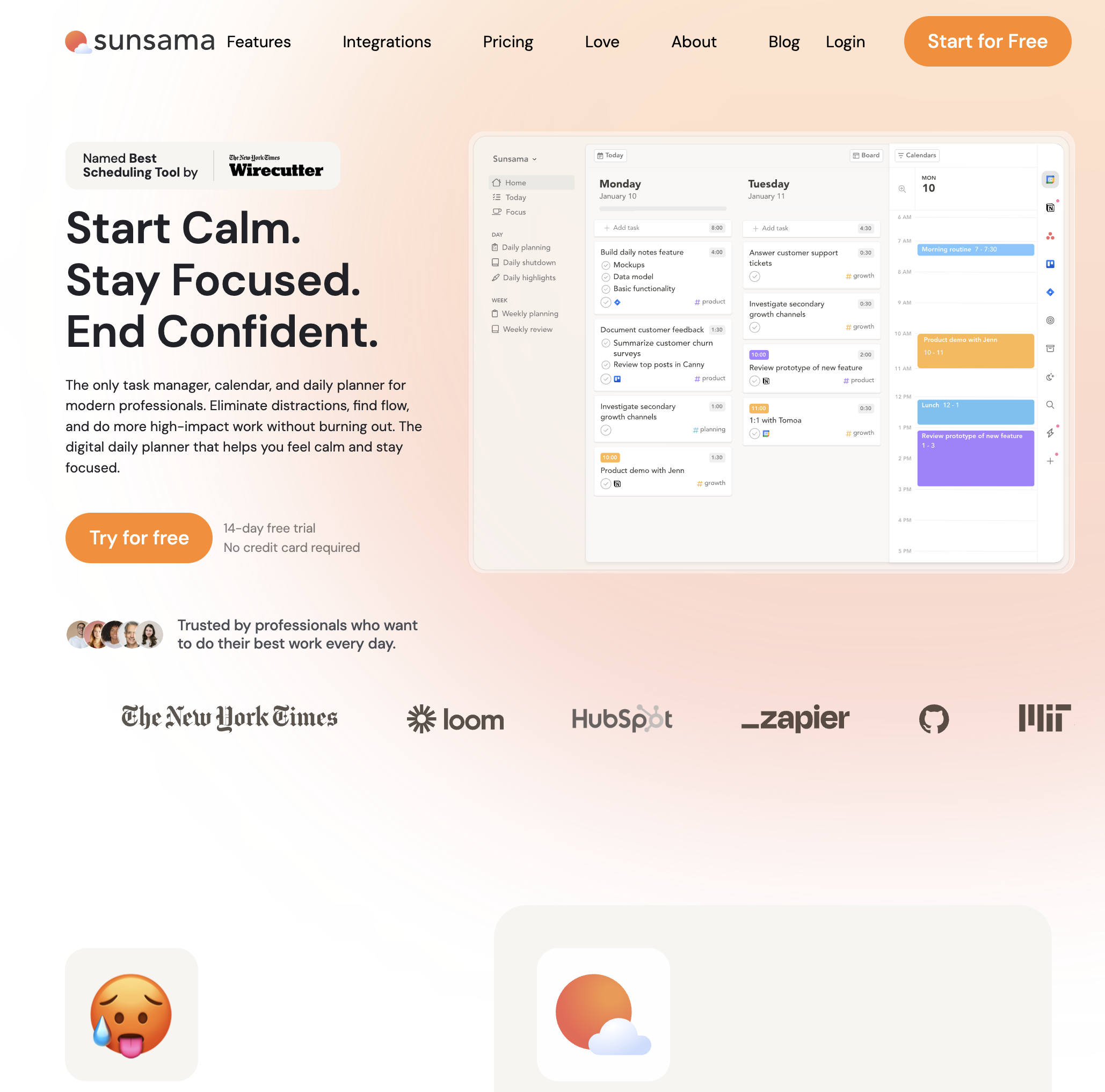
Pricing: $20/month (14-day free trial) Platform: Web, Desktop, iOS, Android Best for: Professionals who want a mindful daily planning ritual instead of a reactive task list
Sunsama guides you through a structured planning process each morning — pulling tasks from your calendar, email, Asana, Trello, and other tools into a single daily view. It emphasizes sustainable productivity over maximum output, with time-boxing, daily shutdown routines, and workload limits that actively prevent overcommitment.
Key strengths:
Limitations: No AI auto-scheduling or dynamic rescheduling — the "intelligence" is the structured planning ritual itself, not an algorithmic scheduler. No team project management features (no boards, Gantt charts, or resource views). At $20/month with no free tier, it is expensive for what is essentially a guided daily planner. Does not execute or automate any tasks — purely organizational.
Who should pick Sunsama: Professionals experiencing burnout from reactive, interrupt-driven work who want a structured, calm approach to daily planning. If your problem is not "I need more features" but "I need more intention," Sunsama delivers a daily ritual that reduces overwhelm without adding complexity.
Sai is an AI agent that runs on your computer and does not just manage your tasks — it executes them. Three capabilities set it apart: