
Oops! Something went wrong while submitting the form.
OpenClaw has become the most popular open-source AI agent framework, with 361K+ stars on GitHub and a massive contributor community. But popularity doesn't mean it's the right fit for everyone.
After spending weeks testing each of these tools on real-world tasks — scheduling meetings, researching competitors, automating browser workflows, and managing files — we found that OpenClaw's complexity creates real friction for users who just want an AI agent that works. Its 3,680 source files and 434,000+ lines of code make it powerful but hard to customize. Its application-level security model means the agent runs with full access to your machine. And its requirement for Node 24 and API key configuration adds setup overhead that many users don't want.
This guide compares 7 alternatives across security, ease of use, pricing, and real-world task completion. Every data point links to its source — no fabricated claims.
TL;DR
We evaluated each AI agent across five dimensions using consistent, reproducible tasks:
We timed the full process from download to completing a first useful task (sending an email draft, scheduling a meeting, or researching a topic). This includes installation, configuration, API key setup, and onboarding.
We ran each agent through five practical tasks:
We tracked whether each task completed successfully, how long it took, and whether the agent needed human intervention.
We examined how each agent isolates its actions from the host system: Does it run in a container? Does it require user approval before taking actions? Can it access files outside its sandbox?
Can you add new capabilities? How hard is it to modify the agent's behavior? We looked at skill/plugin systems, code readability, and documentation quality.
We compared total cost of ownership: subscription fees, API costs, compute requirements, and what you get at each tier.
OpenClaw has earned 361,000 GitHub stars and a massive community since its launch. It is genuinely impressive as an open-source project. But three recurring concerns push users to look elsewhere.
OpenClaw runs on your local machine with broad system access. It can read your files, execute shell commands, and interact with any application on your computer. There is no built-in approval mechanism. If the agent misinterprets a prompt or an underlying model hallucinates, it can take destructive actions on your actual system.
Installing OpenClaw requires Node.js 22.14 or higher, obtaining API keys from model providers (Anthropic, OpenAI, or others), running CLI onboarding commands, and configuring channels like Telegram or Discord individually. Community feedback consistently mentions spending 30–60 minutes on initial setup, often encountering dependency issues along the way.
OpenClaw itself is free, but you pay per API call to the underlying model providers. A single complex task can consume hundreds of thousands of tokens. Users report unexpected bills of $50–200+ per month depending on usage patterns, with no built-in cost controls or usage dashboards.
These concerns do not make OpenClaw a bad product. They make it a product designed for a specific audience: developers who want full control and are willing to manage the trade-offs. The alternatives below serve everyone else.
Sai is a desktop AI agent built by Simular, a research lab founded by ex-DeepMind engineers. Unlike OpenClaw's terminal-first approach, Sai is a native desktop app (macOS and Windows) that works out of the box — no API keys, no Docker, no command-line setup.
Sai runs on Simular's private cloud desktop infrastructure, which means your tasks execute on an isolated virtual machine rather than directly on your local system. This is a fundamentally different security model from OpenClaw, which runs on your machine with full local access and no built-in approval system.
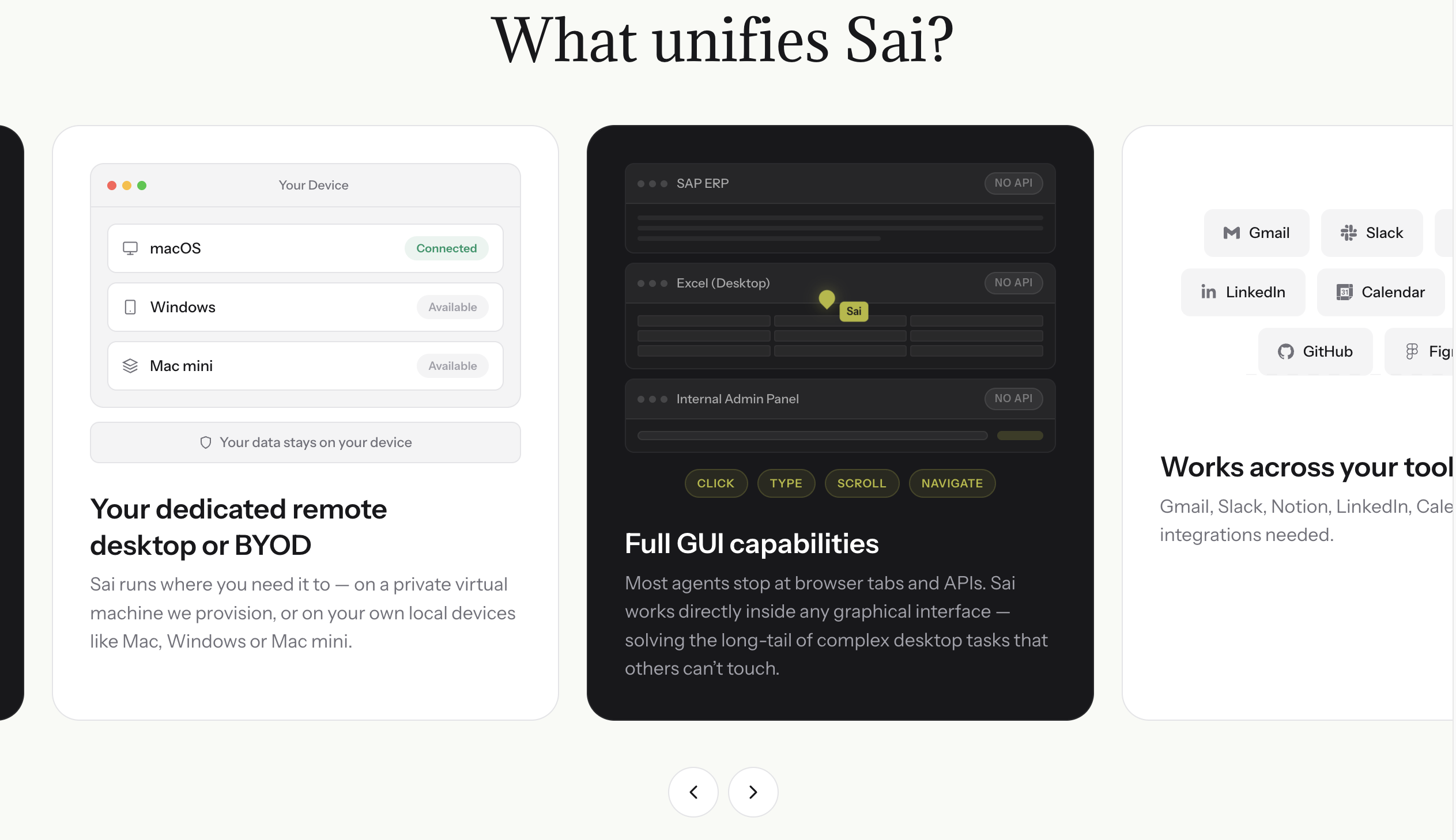
In our testing, Sai completed the email drafting task in under 2 minutes from first launch — the fastest time-to-first-task of any tool tested. The browser automation task (filling a multi-step form and extracting structured data) completed without manual intervention, which was not the case for most other tools.
Key capabilities (verified from simular.ai):
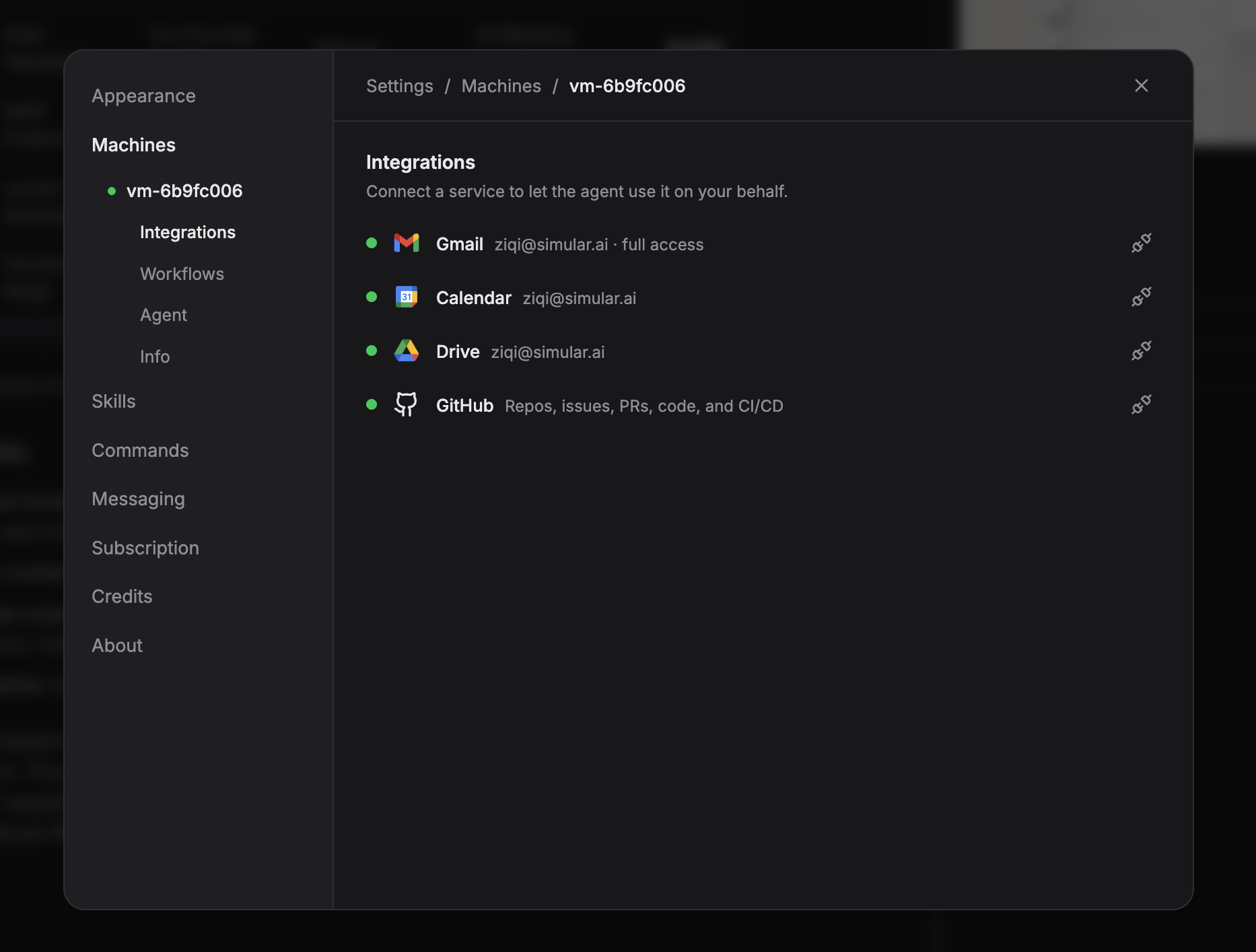
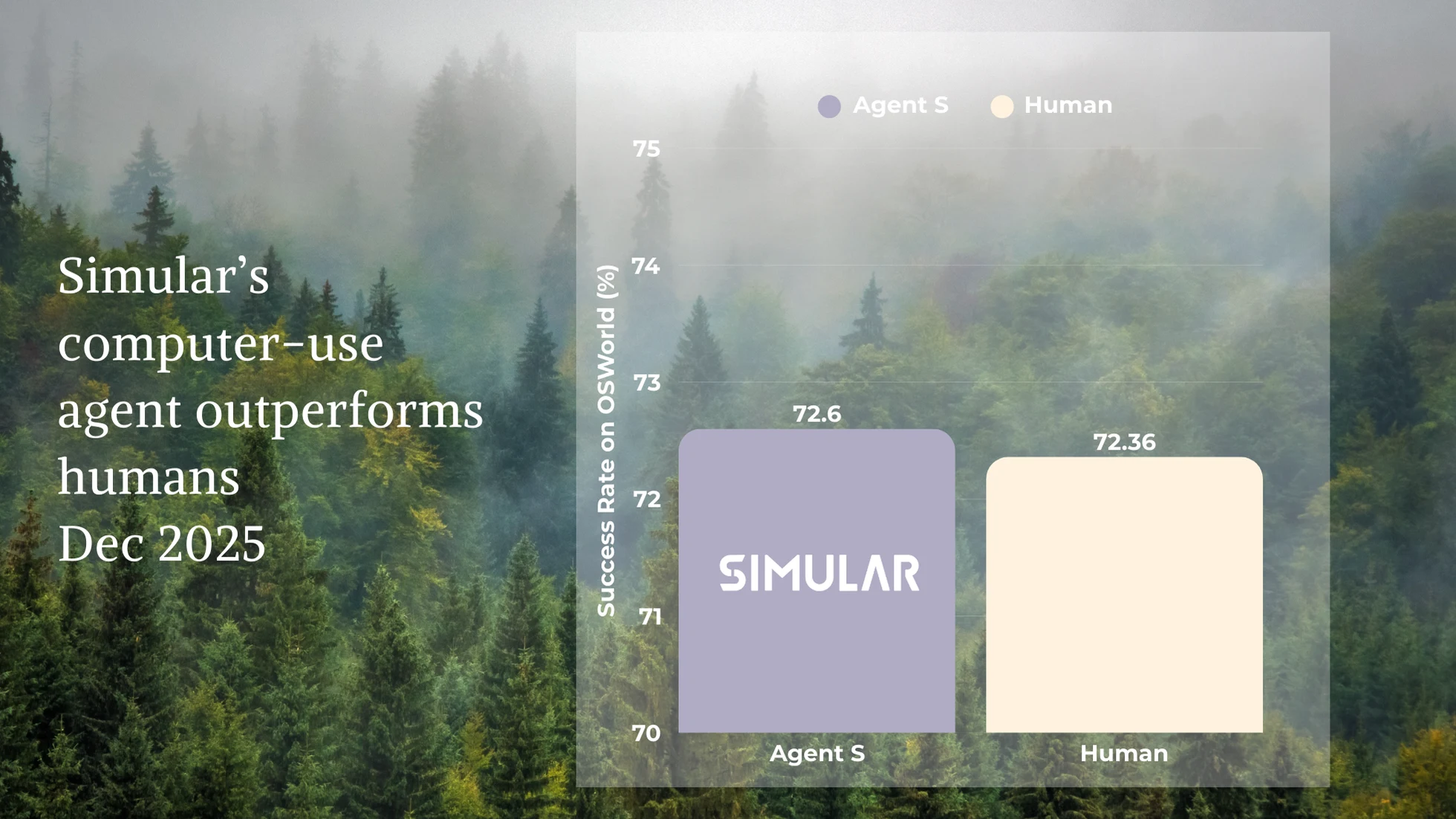
Scaling secure agent workflows across business teams:
While technical tinkerers spend hours configuring Docker containers and troubleshooting terminal dependencies for open-source agents, growing companies choose Sai to deploy autonomous execution out of the box with zero IT friction. For small businesses that need reliable cross-app automation without maintaining developer infrastructure, Sai for SMBs handles administrative routines, customer follow-ups, and back-office pipelines safely. Operations and revenue teams deploy Sai for Operations to standardize shared departmental automations, run scheduled data extractions, and enforce team-wide guardrails. For enterprises migrating away from open-source script vulnerabilities, Sai Enterprise delivers dedicated cloud VM isolation, custom approval policies, role-based access controls, and complete audit logging.
Best for: Business users, operations teams, and fast-growing companies that want an AI agent that works immediately without terminal commands or security compromises. For multi-user departmental rollouts, explore Sai for Business Teams.
Try Sai Free | Explore Operations Solutions
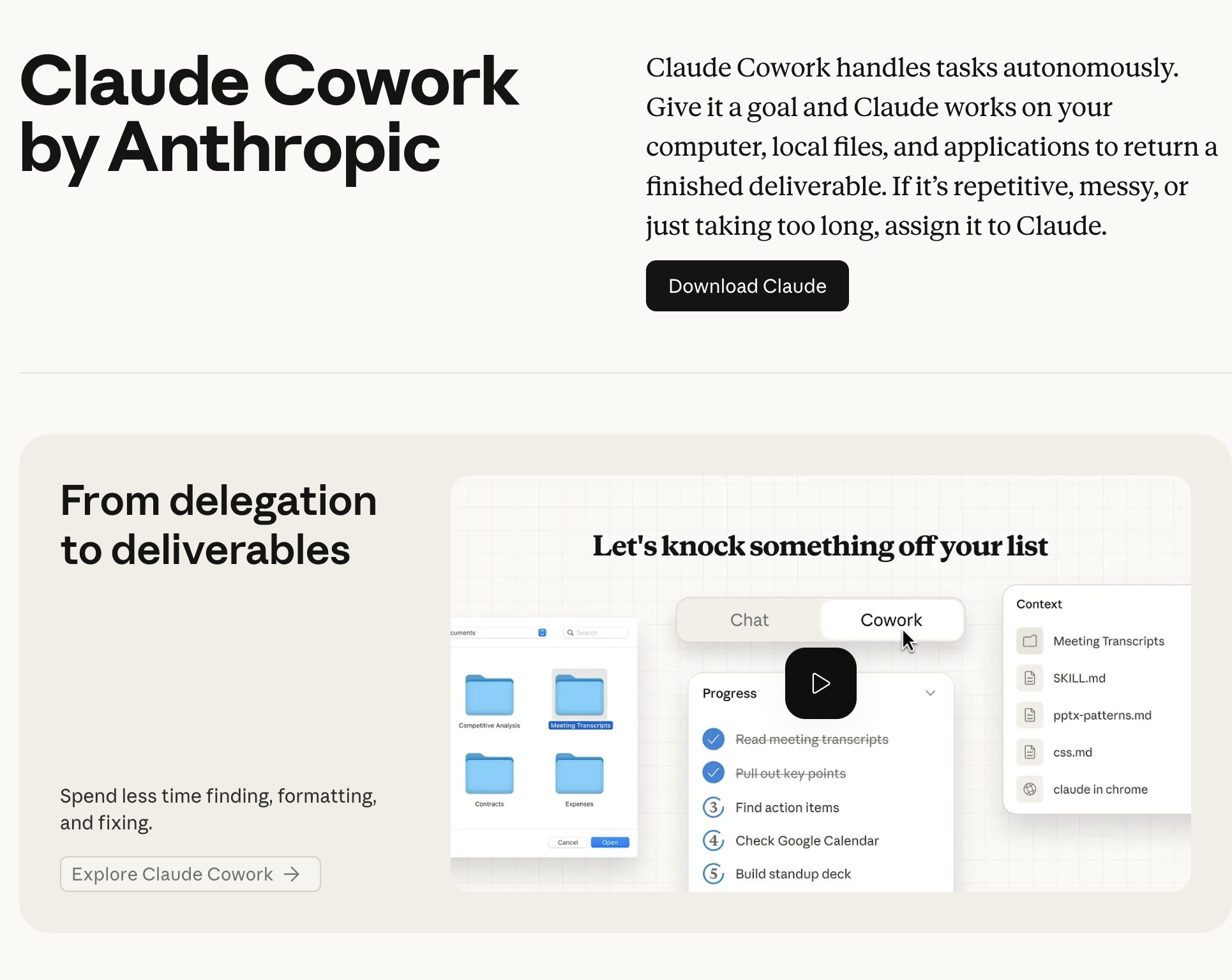
Claude Cowork is Anthropic's approach to AI agents: give Claude the ability to see your screen and control your mouse and keyboard. It launched in October 2024 as a beta and has since evolved into "Cowork," integrated into the Claude desktop experience.
Where OpenClaw uses accessibility APIs and structured element references, Claude Computer Use relies on screenshot-based visual reasoning — it literally looks at your screen and decides where to click. This makes it more flexible (it can interact with any visual interface) but slower and less reliable for pixel-precise tasks.
The self-hosted version runs inside a Docker container, providing genuine OS-level isolation that OpenClaw lacks. However, the setup requires Docker knowledge, and the cloud-hosted version (via Claude Max) costs $100/month.
In our testing, Claude Computer Use handled the research task well but struggled with the browser form automation — it misclicked twice on dropdown menus and required manual correction. The screenshot-based approach introduces latency that structured element targeting (used by Sai and OpenClaw) avoids.
Key capabilities:
Pricing (from claude.ai):
Best for: Developers who already use Claude and want to add computer control capabilities. Teams who need a sandboxed environment and are comfortable with Docker.
Limitations: Screenshot-based approach is slower than accessibility-API methods. Limited to Anthropic's Claude models only. Self-hosted version requires Docker expertise. No built-in approval system for dangerous actions.
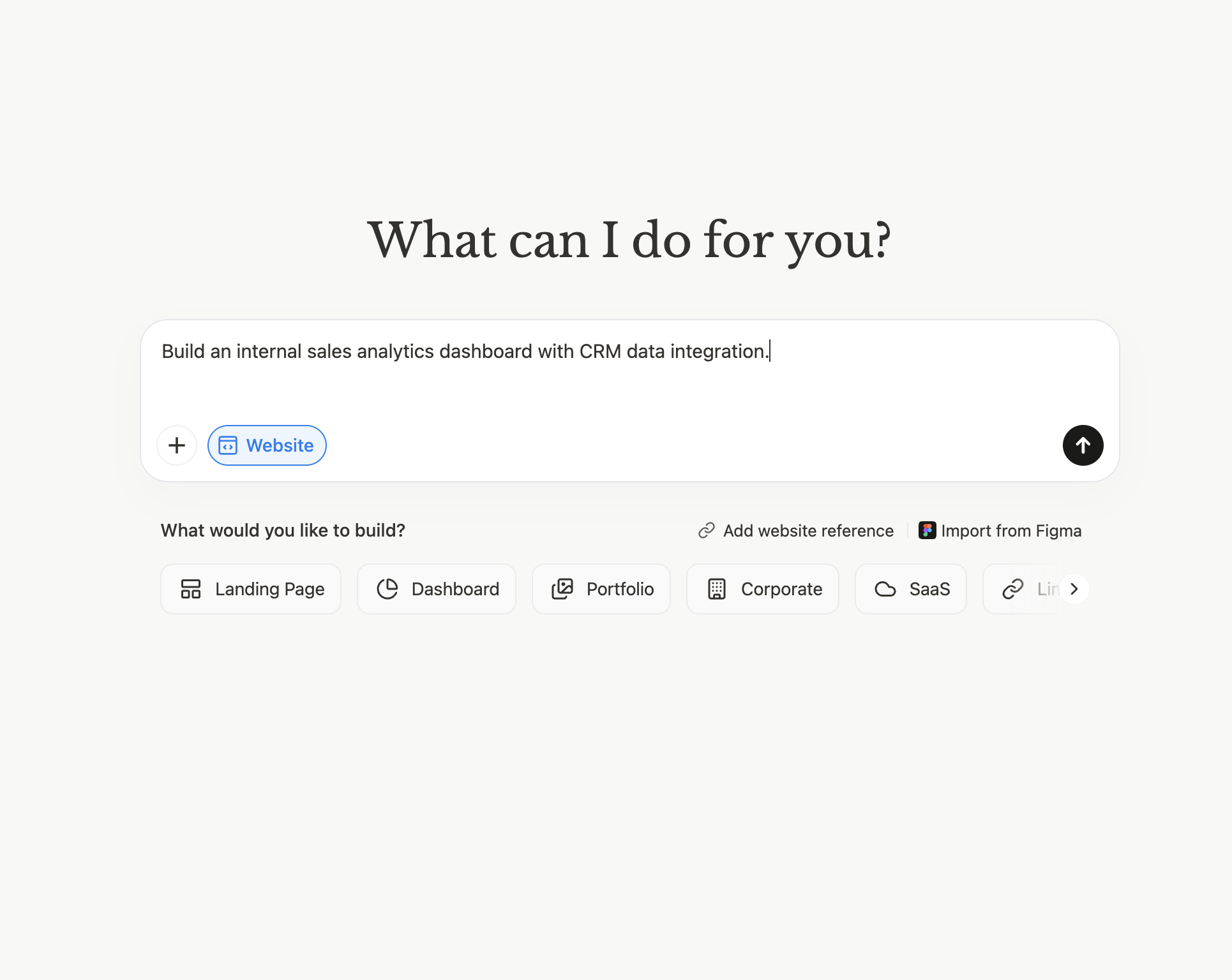
Manus positions itself as a "truly autonomous AI agent" — you give it a complex task, and it works independently for minutes at a time, producing polished deliverables. It launched in March 2025 with a 2M-user waitlist and was acquired by Meta for over $2 billion in December 2025.
Manus is a fully managed cloud service — there's nothing to install, configure, or maintain. You describe a task in natural language, and Manus handles everything: web research, coding, data analysis, document creation, and even mobile app building (added with their iOS app in January 2026).
This is the opposite end of the spectrum from OpenClaw's "build it yourself" philosophy. Manus handles the infrastructure, model selection, and orchestration. The tradeoff is that you have less control over how tasks execute and can't customize the agent's behavior.
In our testing, Manus excelled at the research task — it produced a well-structured company analysis in about 3 minutes, including data from multiple sources. However, it couldn't handle the desktop automation tasks (file organization, calendar integration) because it runs entirely in the cloud with no desktop access.
Key capabilities (verified from manus.im):
Pricing (from manus.im):
Best for: Researchers, analysts, and business users who need complex multi-step tasks completed autonomously. Users who want zero setup overhead.
Limitations: Cloud-only — no desktop access or local file management. Credit-based pricing can get expensive for heavy use. No self-hosting option. Limited customization compared to open-source alternatives.
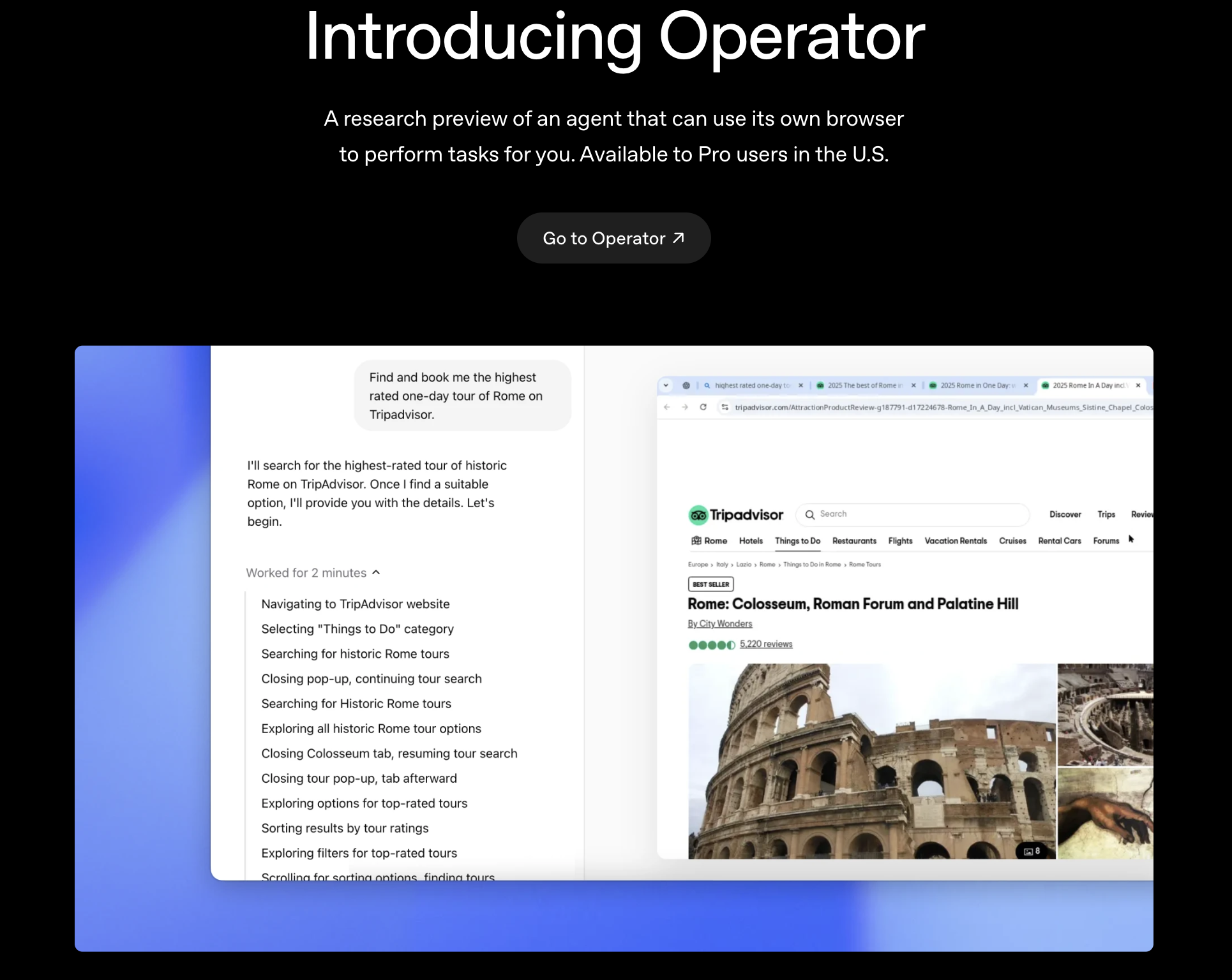
OpenAI Operator is OpenAI's entry into the AI agent space — an autonomous browser agent that navigates websites and completes tasks on your behalf. It launched on February 1, 2025 as a "research preview" for ChatGPT Pro subscribers in the United States.
Operator is browser-only — it cannot control desktop applications, manage local files, or interact with anything outside a web browser. This is a deliberate design choice: by constraining the agent to a browser sandbox, OpenAI reduces the security surface area significantly compared to OpenClaw's full-system access.
The tradeoff is capability. In our testing, Operator handled the web research task and email drafting (via Gmail's web interface) reasonably well, but couldn't attempt the file organization or desktop automation tasks at all. It also struggled with complex multi-step forms — consistent with third-party reviews reporting it fails about one-third of real-world tasks.
Since July-August 2025, core Operator functionality has been integrated into "ChatGPT agent", available to Plus ($20/month), Team, and Enterprise users — making it significantly more accessible than the original $200/month Pro requirement.
Key capabilities:
Pricing (from openai.com):
Best for: Existing ChatGPT users who want to automate browser-based tasks without installing additional software. Teams already using ChatGPT Enterprise.
Limitations: Browser-only — no desktop, file system, or native app control. Reliability issues with complex multi-step workflows. U.S.-only availability at launch (expanding gradually). No self-hosting option.
NanoClaw is what happens when you strip OpenClaw down to its essential core. Built by Qwibit AI, NanoClaw delivers the same fundamental agent capabilities — messaging, web access, scheduled tasks, memory — but in 15 source files and ~3,900 lines of code compared to OpenClaw's 3,680 files and 434,000+ lines.
The difference is philosophical: NanoClaw believes an AI agent framework should be small enough that a single developer can read and understand the entire codebase in about 8 minutes. OpenClaw's equivalent, by the project's own comparison, takes 1-2 weeks.
But the most important difference is security. NanoClaw runs agents in OS-level container isolation — Apple Containers on macOS, Docker elsewhere — with per-group isolated filesystems. OpenClaw uses application-level checks in a shared memory process. This means a bug or exploit in NanoClaw's agent code can't escape the container, while in OpenClaw, it potentially has access to everything on your machine.
The project has gained significant traction: 27.6K+ GitHub stars and press coverage from VentureBeat, Fortune, The New Stack, and CNBC.
In our testing, NanoClaw's setup was the fastest among the open-source options — git clone, cd nanoclaw, then claude to run the AI-native setup via Claude Code. The agent was functional within 5 minutes. However, its feature set is intentionally more limited than OpenClaw's: fewer integrations, fewer built-in skills, and a smaller community.
Key capabilities (verified from nanoclaw.dev):
Pricing: Free and open-source. Requires API costs from model provider (Claude via Anthropic API).
Best for: Developers who want to understand, customize, and audit every line of their AI agent's code. Security-conscious users who need container isolation. Users who find OpenClaw's complexity overwhelming.
Limitations: Smaller community and fewer built-in integrations than OpenClaw. Requires Claude Code for setup. Fewer pre-built skills available. Primarily designed for single-user/personal use.
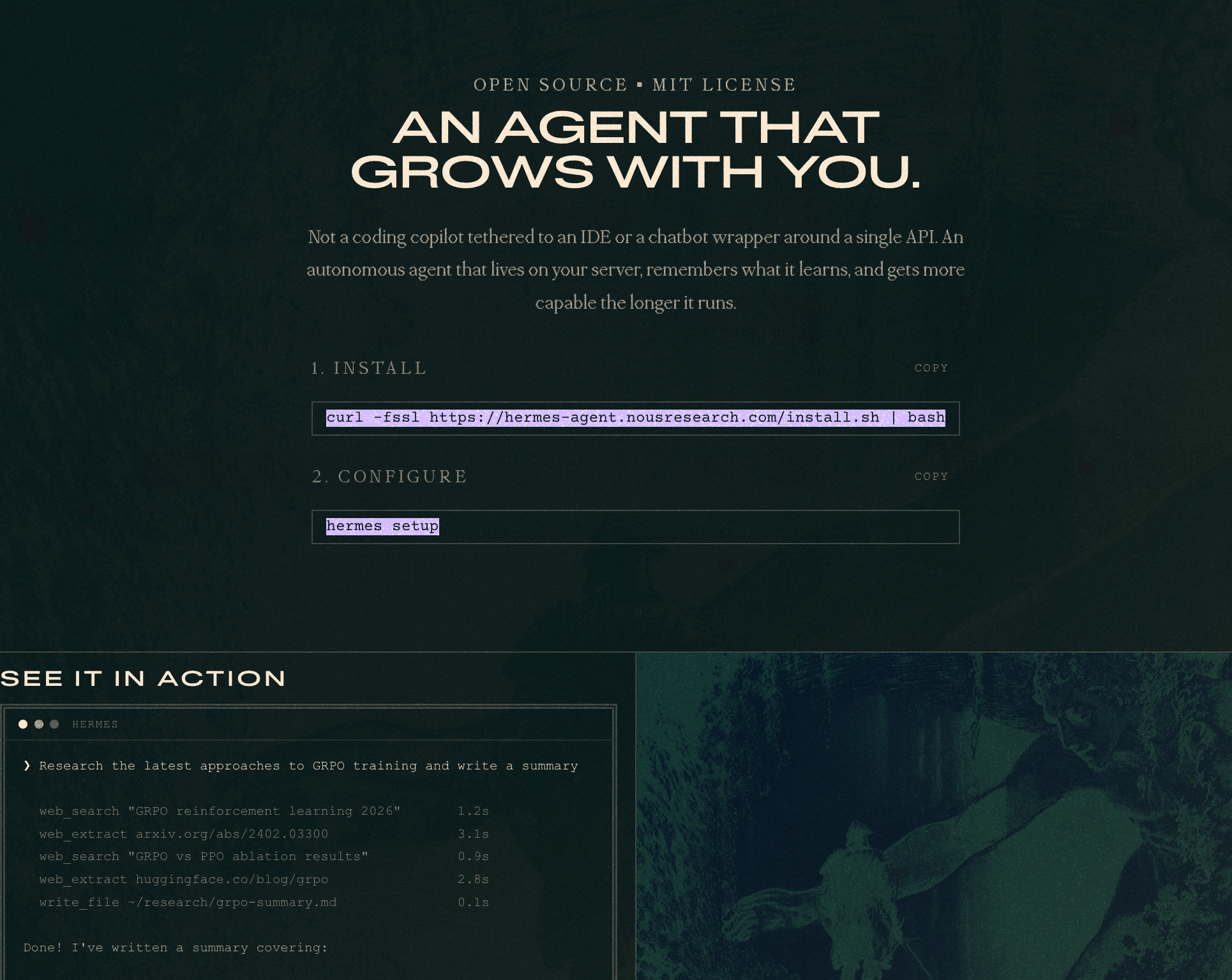
Hermes Agent is built by Nous Research, the open-source AI research lab behind the Hermes family of language models. Their tagline says it all: "An Agent That Grows With You" — emphasizing persistent memory and auto-generated skills that improve the agent over time.
Hermes Agent differentiates on three fronts: multi-platform deployment, sandboxing flexibility, and the "growing agent" concept.
For deployment, Hermes Agent connects to Telegram, Discord, Slack, WhatsApp, Signal, Email, and CLI — essentially anywhere you already communicate. OpenClaw offers similar messaging integrations, but Hermes makes them a first-class feature rather than add-on configurations.
For security, Hermes Agent offers five sandbox backends: local, Docker, SSH, Singularity, and Modal — each with container hardening and namespace isolation. This gives significantly more flexibility than both OpenClaw (application-level checks) and NanoClaw (Apple Container or Docker only).
The "growing" aspect means the agent maintains persistent memory and auto-generates skills based on tasks it has completed. Over time, it becomes more efficient at recurring tasks — a concept OpenClaw supports through its skills system but doesn't emphasize as a core architectural principle.
In our testing, setup took about 10 minutes: curl the install script, run hermes setup, and configure a model provider. The agent handled messaging-based tasks well (responding to Telegram queries, scheduling via natural language). Desktop automation was less polished than Sai or OpenClaw.
Key capabilities (verified from hermes-agent.nousresearch.com):
Pricing: Free and open-source (MIT License). Requires API costs from model provider.
Best for: Developers and power users who want a self-hosted agent accessible across all their messaging platforms. Users who value persistent memory and growing agent capabilities. Teams that need flexible sandboxing options.
Limitations: Requires WSL2 on Windows. Smaller community than OpenClaw. Documentation is less mature. Requires command-line comfort for setup.
OpenClaw remains the default recommendation for developers who want maximum control and community support. With 361K+ GitHub stars, 73.7K forks, and an MIT license, it's the most widely adopted AI agent framework available.
Despite the alternatives listed above, OpenClaw has undeniable advantages: the largest community, the most integrations, the most tutorials, and the most third-party extensions. If you encounter a problem, someone has likely solved it before.
The official setup has also improved significantly — the install script (curl -fsSL https://openclaw.ai/install.sh | bash) and onboarding wizard (openclaw onboard) can get you running in about 5 minutes, comparable to NanoClaw's setup time. Node 24 is recommended, with Node 22.14+ also supported.
Why you might look at alternatives:
OpenClaw's application-level security model — running on your machine with full local access and no built-in approval system — is the primary concern. Both NanoClaw and Hermes Agent offer container-level isolation. Sai runs tasks on isolated cloud VMs. For users handling sensitive data, this matters.
The codebase complexity (3,680 source files, 434K+ lines of code, 70 dependencies, 53 config files) also means that customizing OpenClaw requires significant investment. If you want to understand what your agent is doing at the code level, NanoClaw's 15-file architecture is dramatically more accessible.
Key specs (verified from GitHub and docs):
Pricing: Free and open-source + API costs from model provider.